
24 KiB
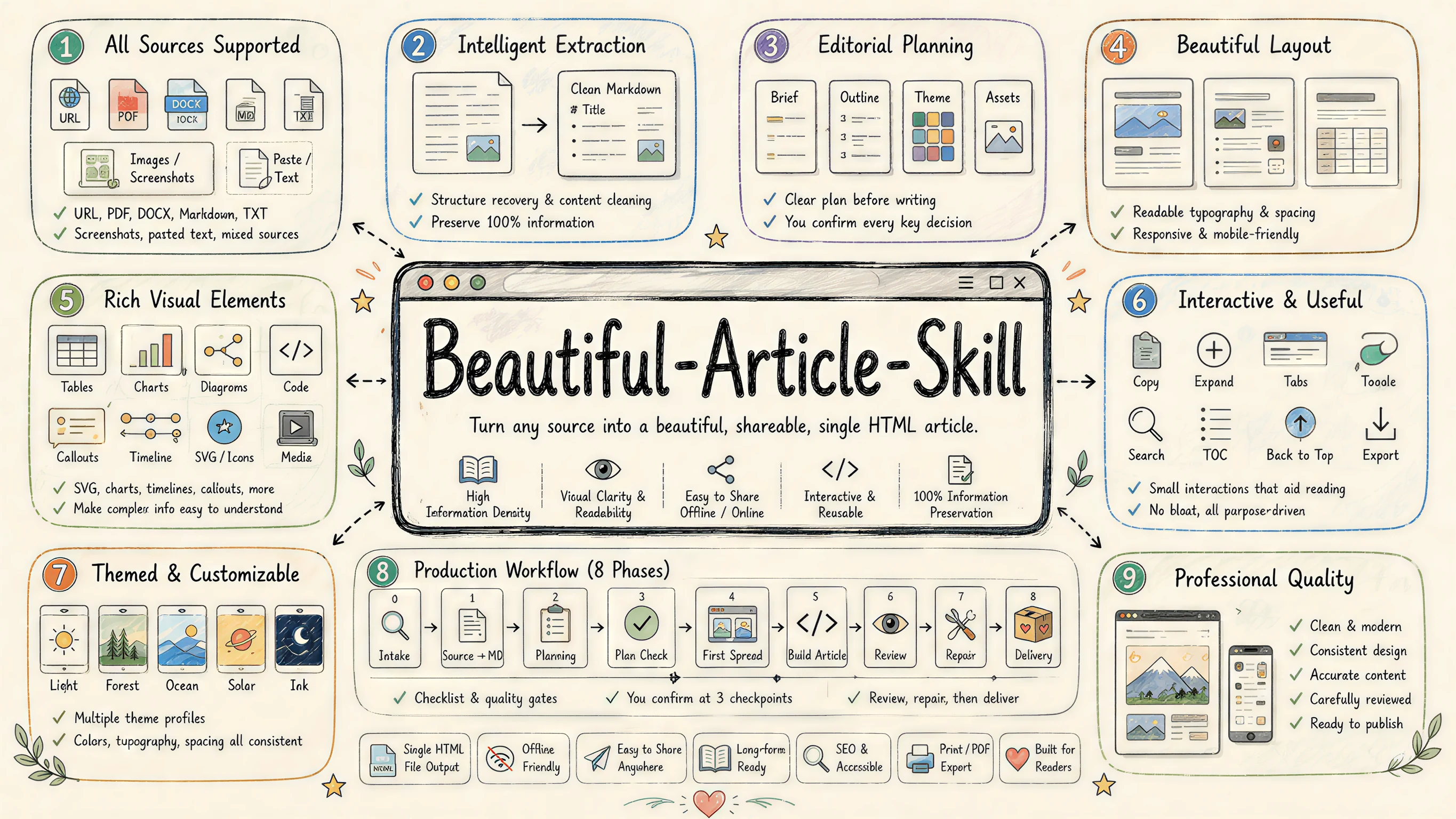
Beautiful Article Skill — Turn any source into a beautiful article
A skill for AI agents to edit and design any source material (URL / PDF / DOCX / Markdown / plain text / screenshots / pasted notes) into a beautiful, share-ready article that is easier to read, archive, and pass around than the original.
中文文档 · Back to collection root
Powered by ReActicle
beautiful-article is the editorial harness (methodology, checkpoints, theme picker, sub-agent reviewers); reacticle is the underlying runtime component protocol the skill writes against — prose-first React components plus a token-based Raw escape hatch, all wired into the same theme system.
beautiful-article  (this skill · methodology + harness)
        │  composes
        ▼
reacticle          (npm package · components / themes / Raw / export)
| Layer | What it owns | Where it lives |
|---|---|---|
beautiful-article (this skill) |
How the agent plans, writes, reviews and delivers an article from any source — six numbered phases, three hard checkpoints, theme picker, sub-agent reviewers | This directory |
reacticle |
The component vocabulary + 11 authoring themes the skill compiles into — Article / Hero / Lead / Section / Quote / Image / Formula / CodeBlock / Raw …, each theme a .css token bundle + .md authoring profile |
ConardLi/reacticle · npm reacticle · docs |
The two pair very well but are independently useful: the skill works because it has ReActicle to target, and ReActicle is a perfectly usable React library on its own.
Showcase — articles built with beautiful-article + ReActicle
Real long-form articles, each authored end-to-end by an AI agent running this skill against the reacticle component protocol. Click any cover to open the live, single-file HTML article.
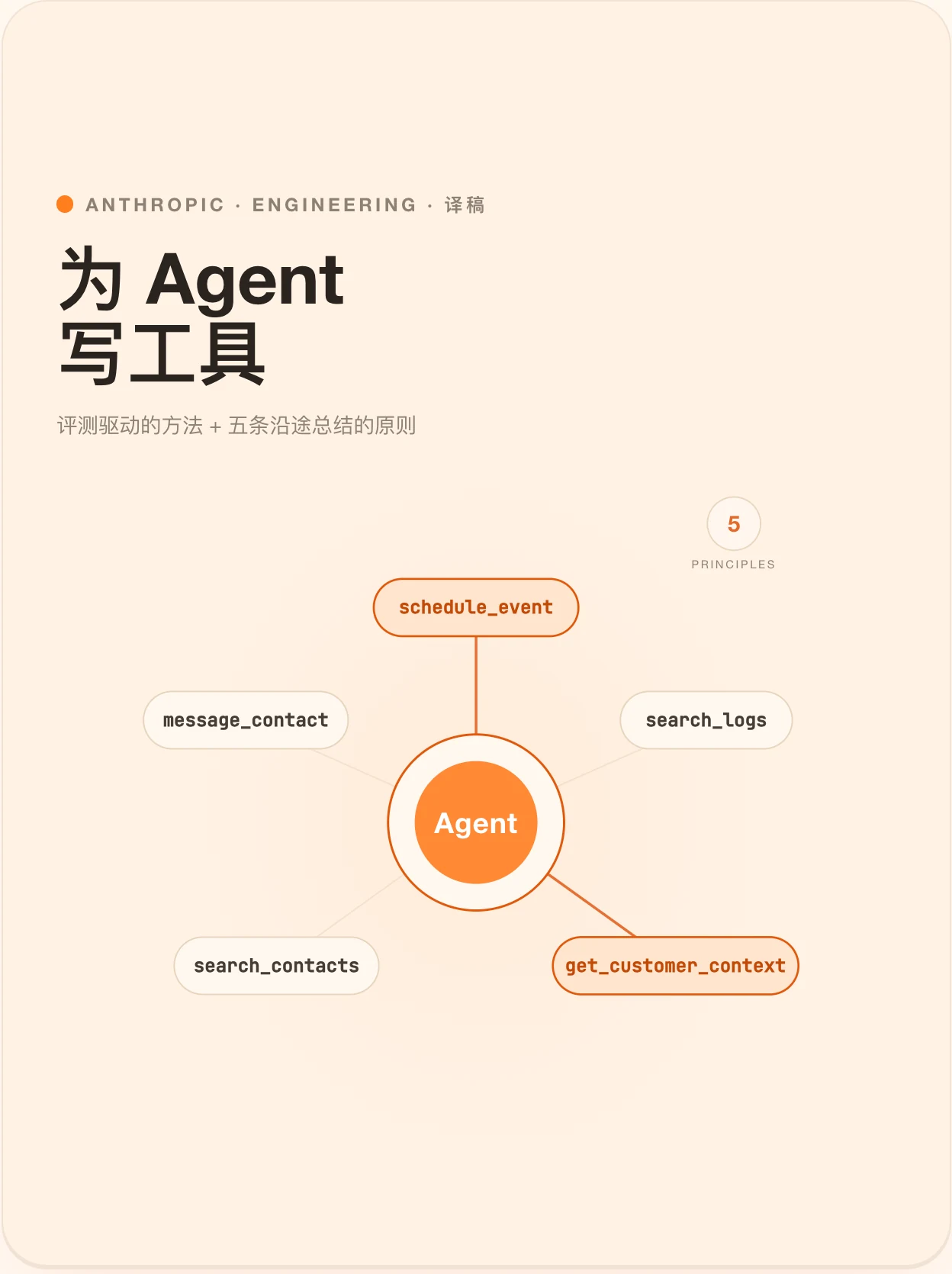
Agent Tools 设计的最佳实践 Theme · Freddie · 长文 · 21 min Anthropic 工程团队关于 Tools 的五条原则,与一套评测驱动的方法。 |
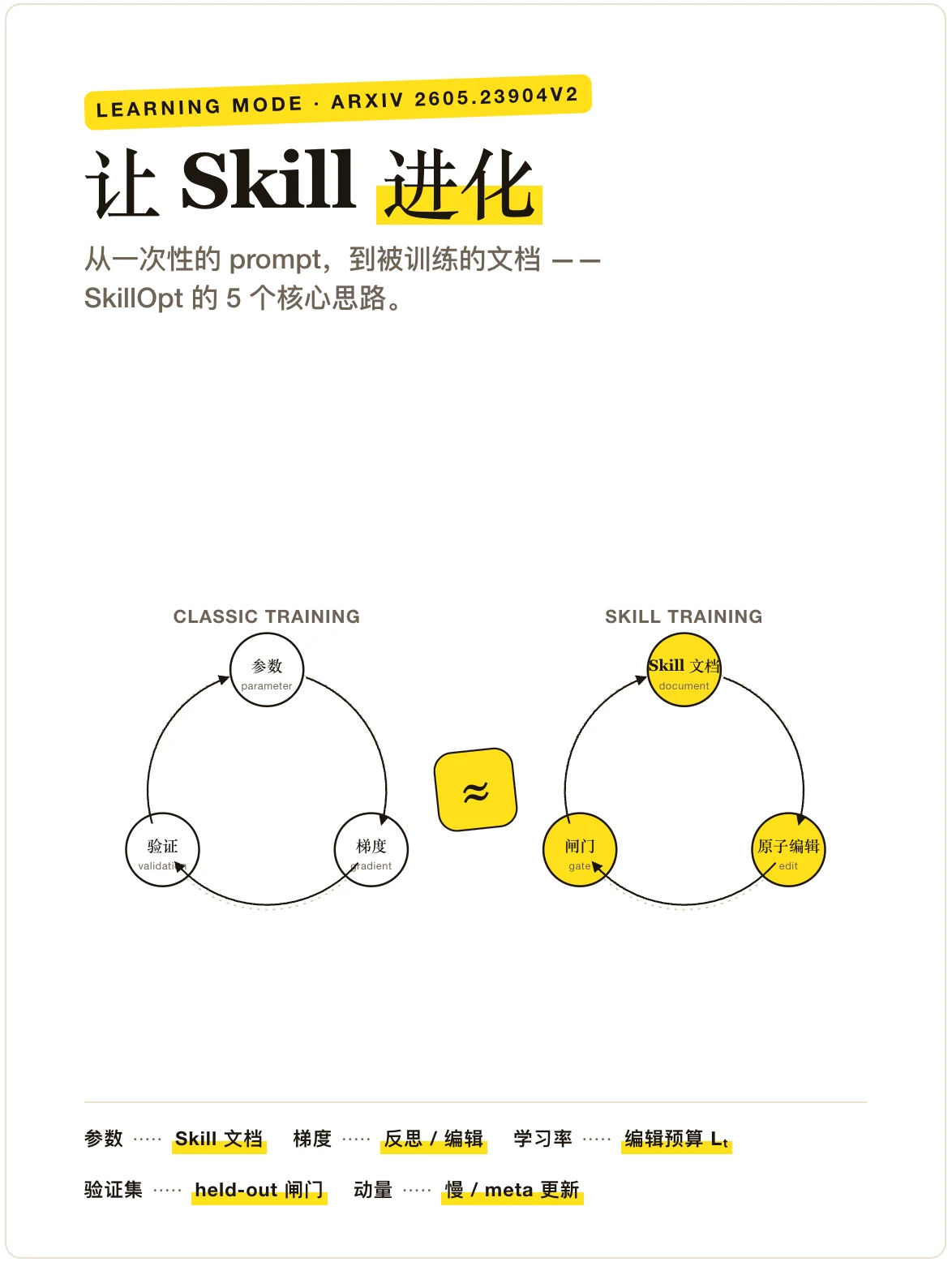
Agent Skill 是如何进化的? Theme · Freddie · 解释文 · 8 min 把 Skill 文档当成被训练的对象,而不是被复制粘贴的 prompt。 |
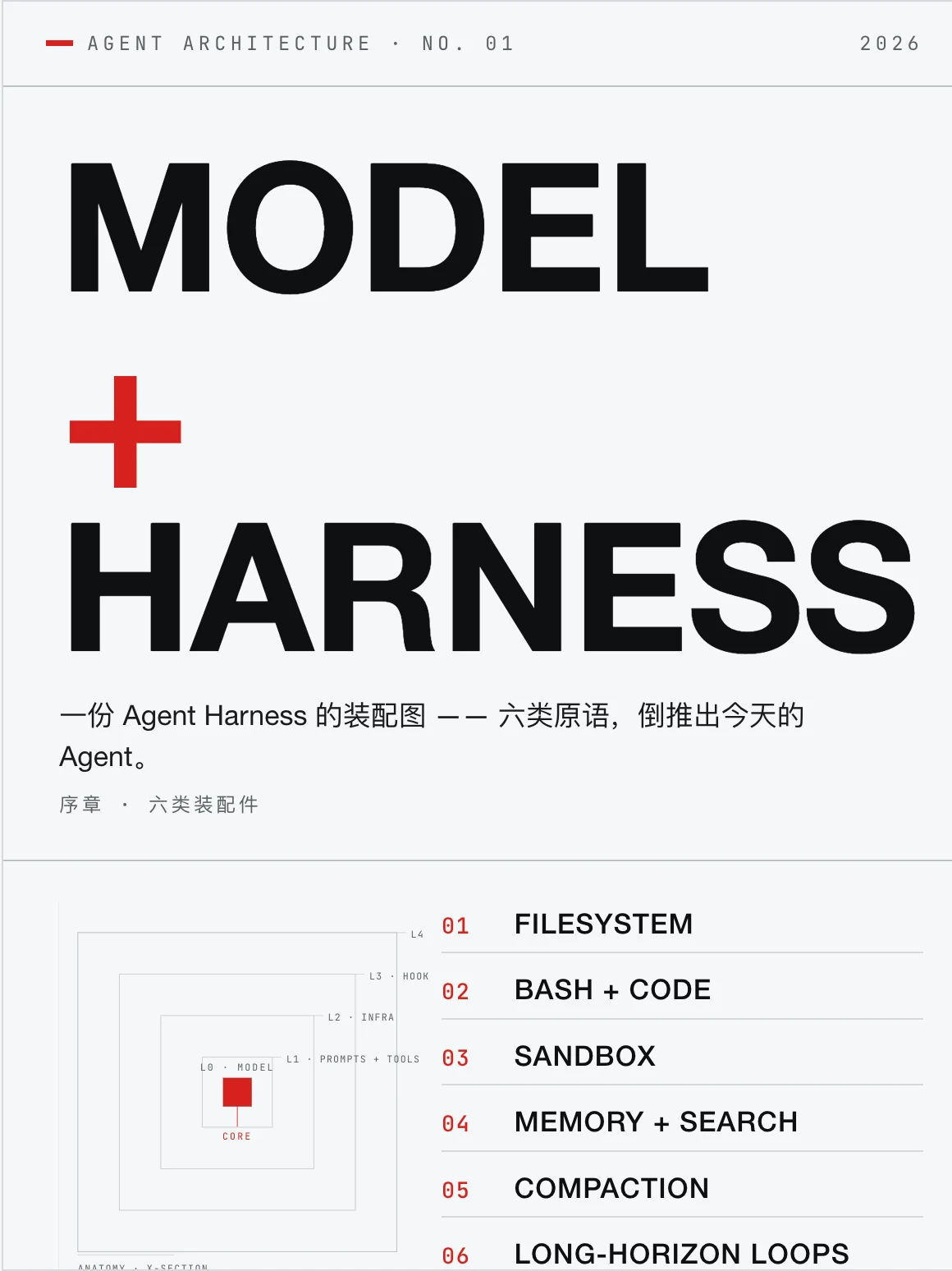
Agent Harness 的解剖图 Theme · Vignelli · 长文 · 12 min 智能在模型里;让智能变得有用的,是它周围的那套系统。 |
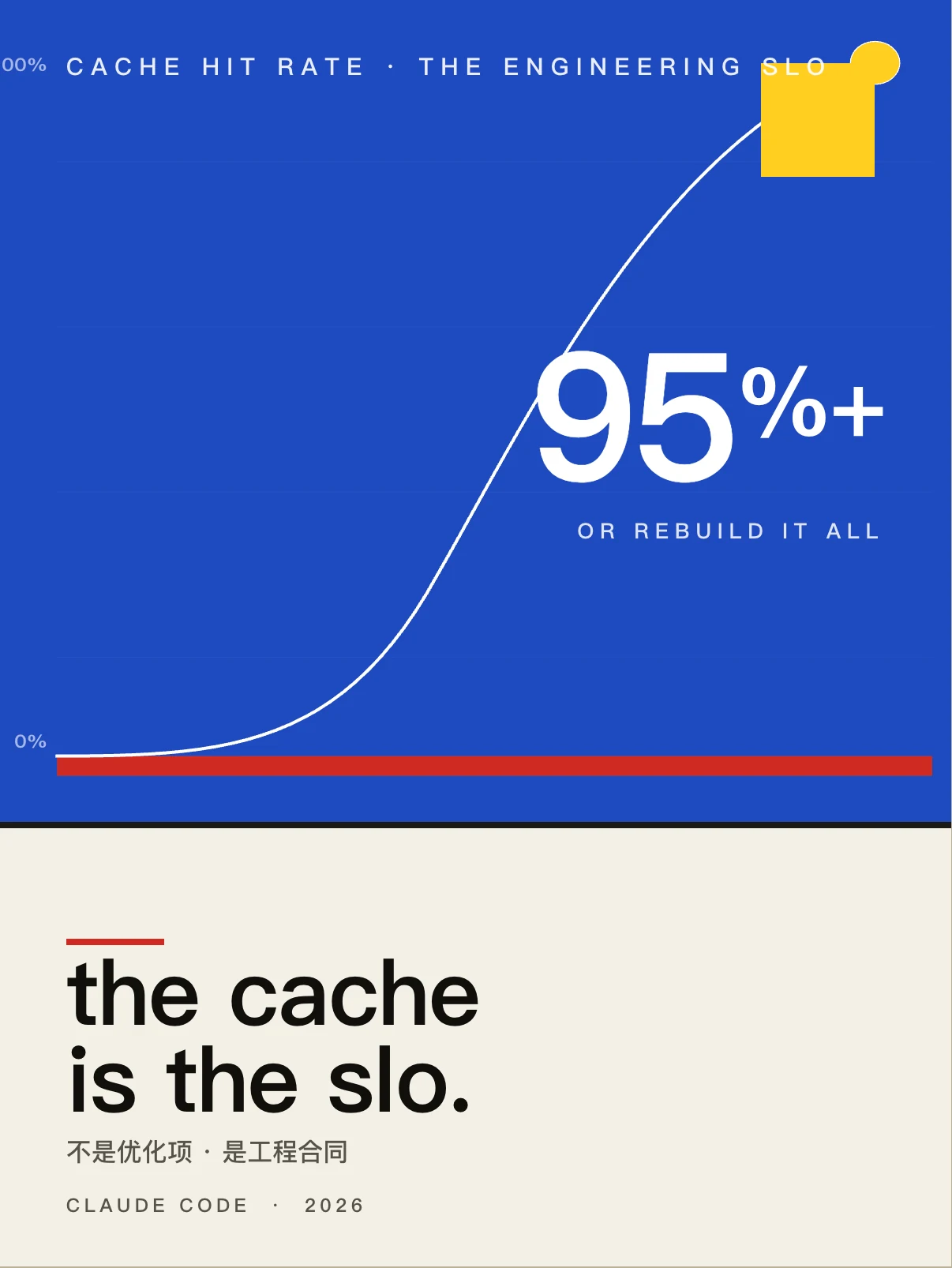
提示词缓存对 Agent 有多重要? Theme · Bayer · 长文 · 15 min 缓存命中率是 Agent 的 SLO,Claude Code 团队的反直觉经验。 |
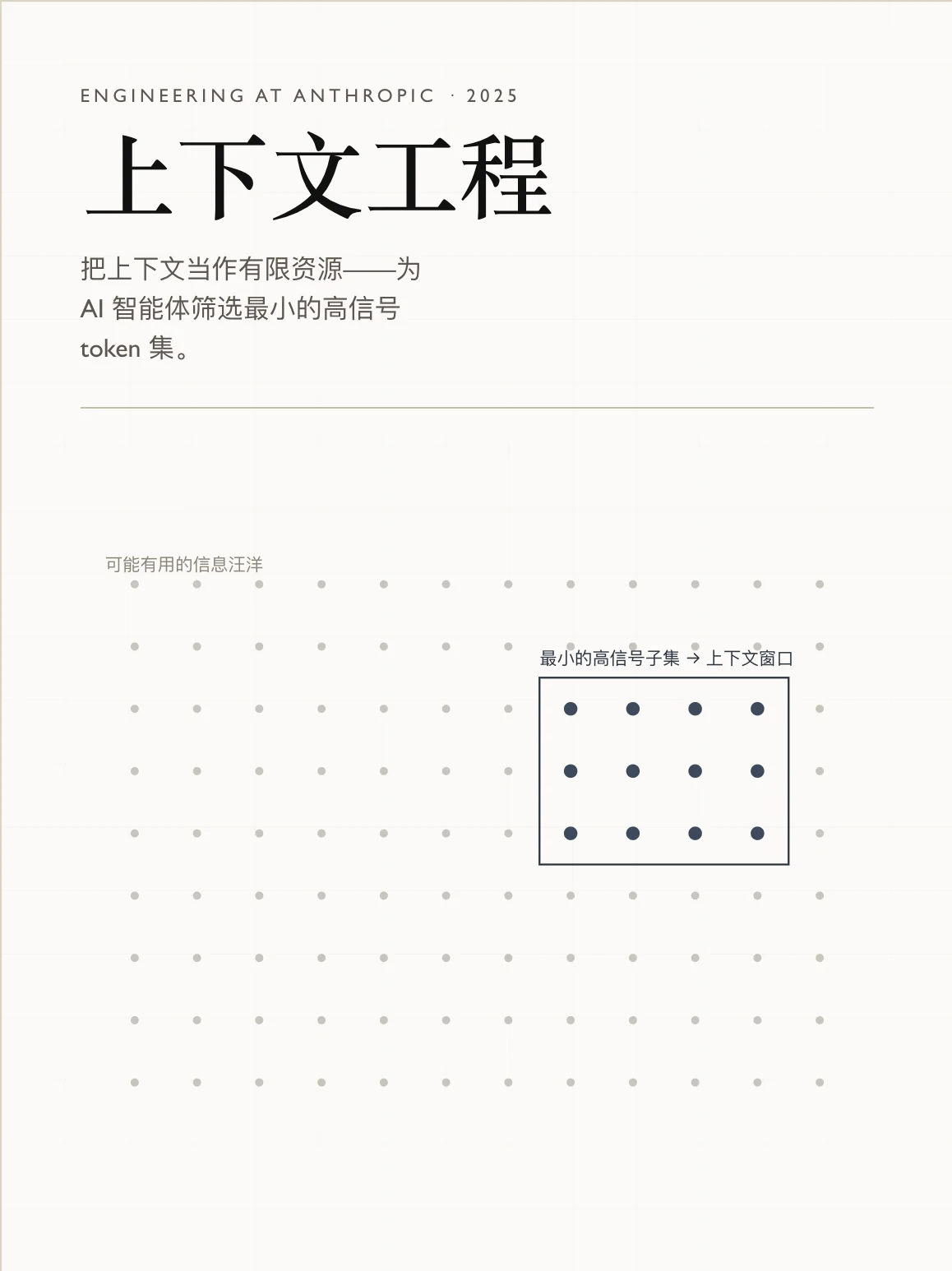
面向 Agent 的高效上下文工程 Theme · Tufte · 长文 · 16 min 本文探讨如何高效地筛选与管理驱动 AI Agent 运转的上下文。 |
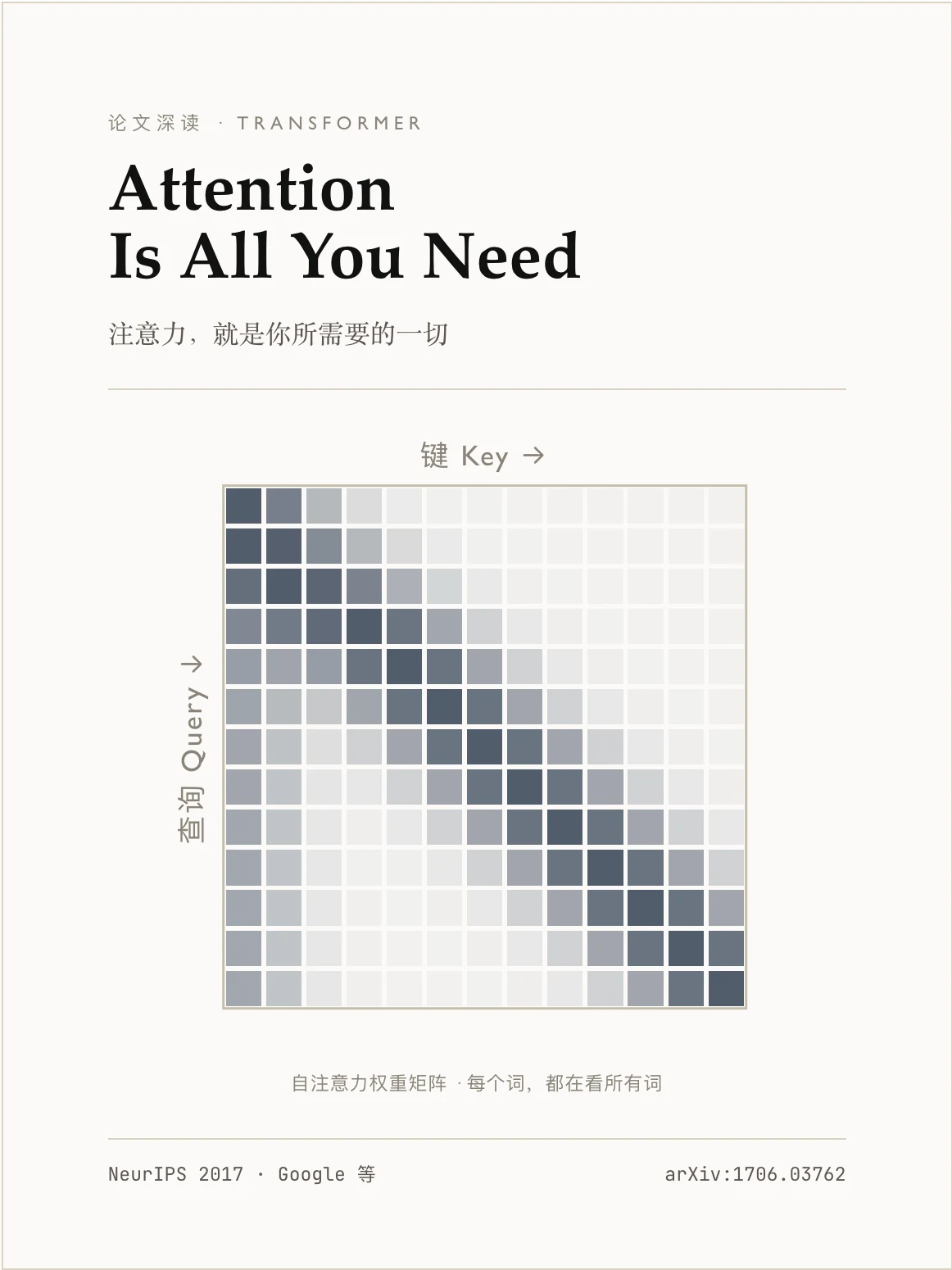
Attention Is All You Need Theme · Tufte · 长文 · 30 min 一篇重塑现代 AI 的论文,逐层拆给你看。 |
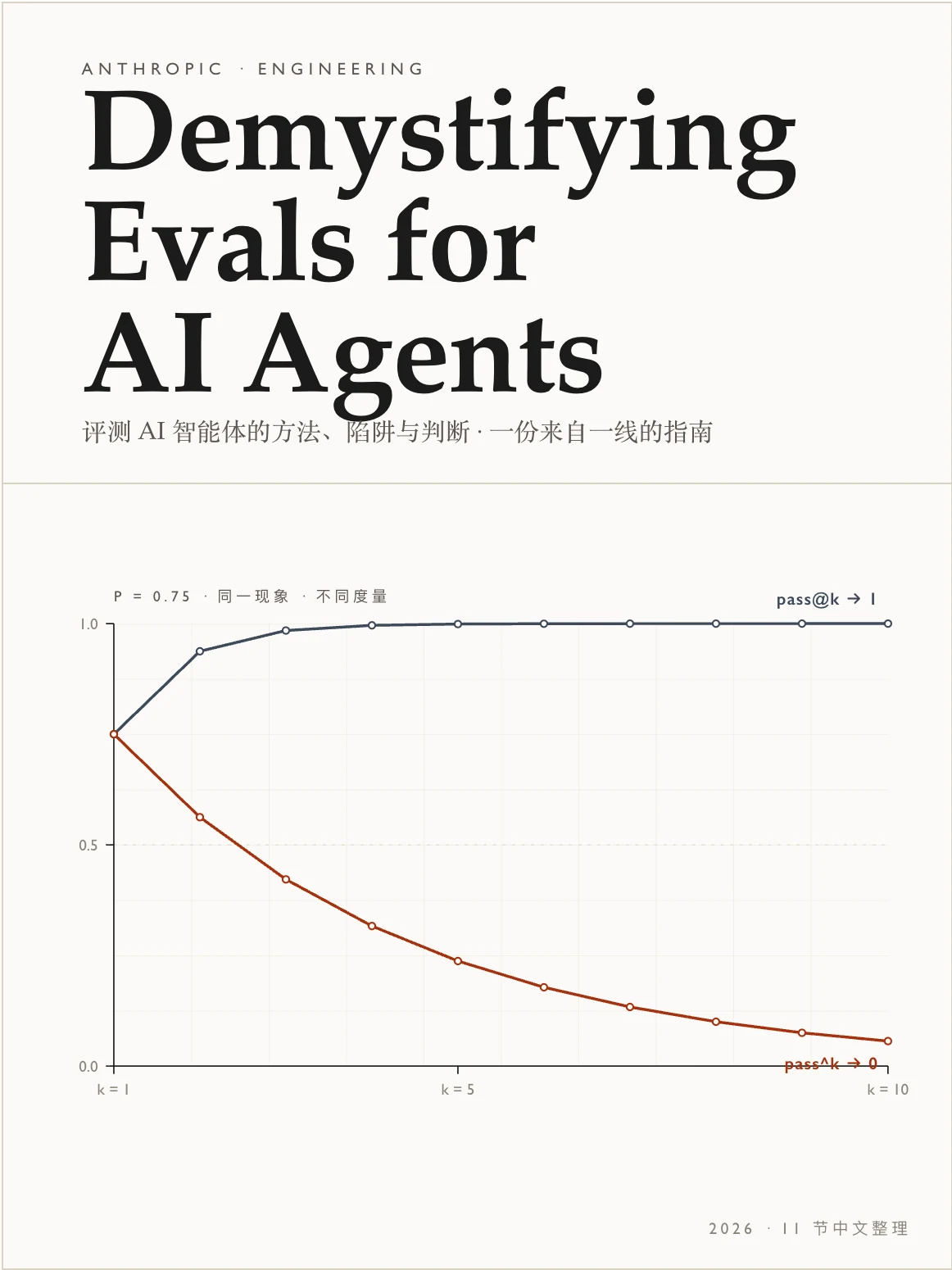
把 AI Agent 的评测讲清楚 Theme · Tufte · 长文 · 25 min 让 Agent 有用的那些能力,恰恰让它难以评测 — 来自 Anthropic 的指南。 |
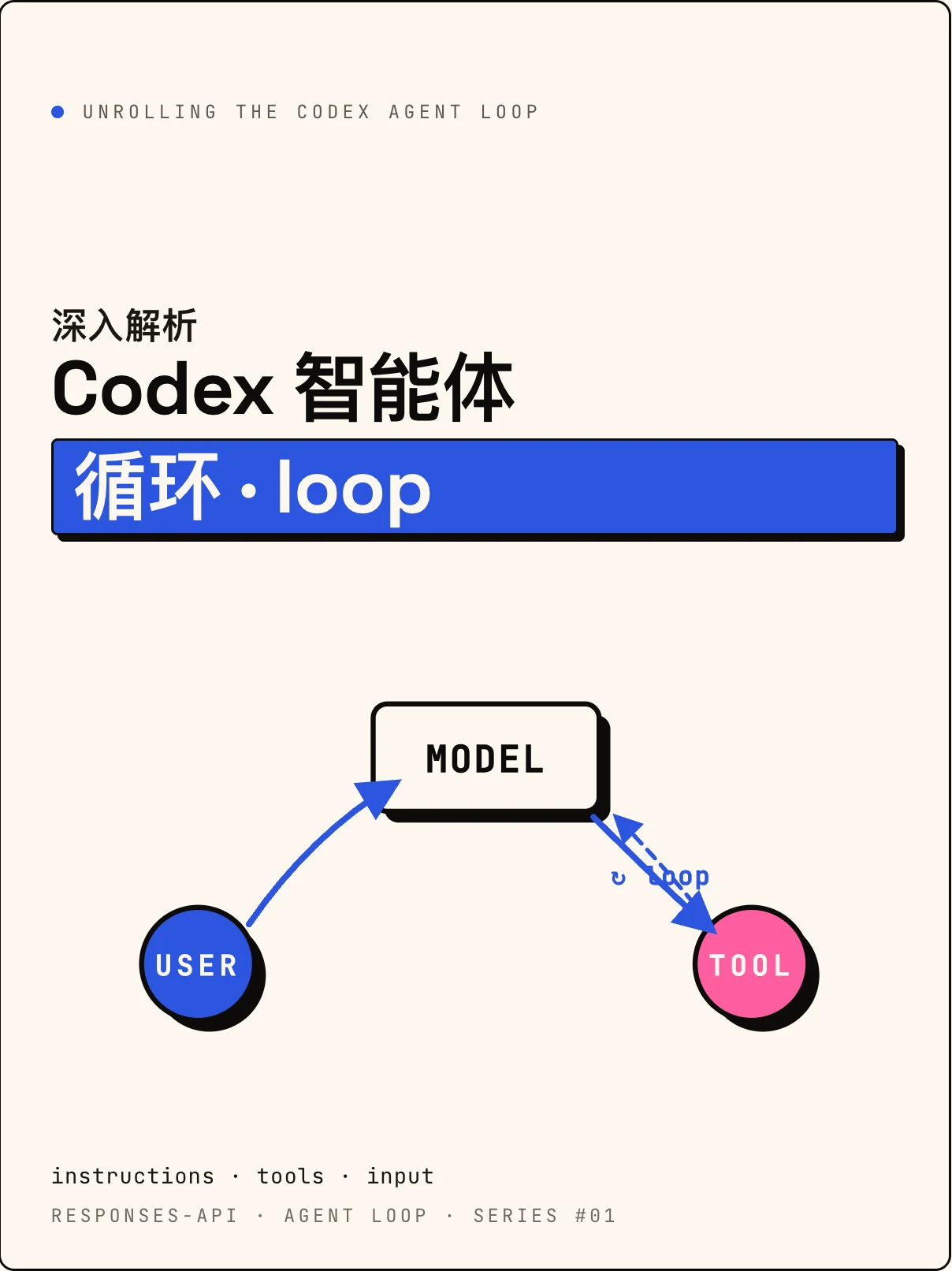
Codex 的 Agent Loop 是怎么做的? Theme · Sottsass · 长文 · 18 min OpenAI 官方分享:在 Responses API 之上,一条对话是如何被反复"展开"的。 |
Theme Gallery — one specimen article per theme
11 themes shipped. Full theme contracts (
.csstoken bundle +.mdauthoring profile, anti-patterns, code/media style) are documented at Theming.
Every theme ships with a long-form specimen article that lives the theme end-to-end — typography, photography, code, formulas, Raw blocks, the works. Click any cover to read the live article; click the theme name to jump to that theme's section in the docs.
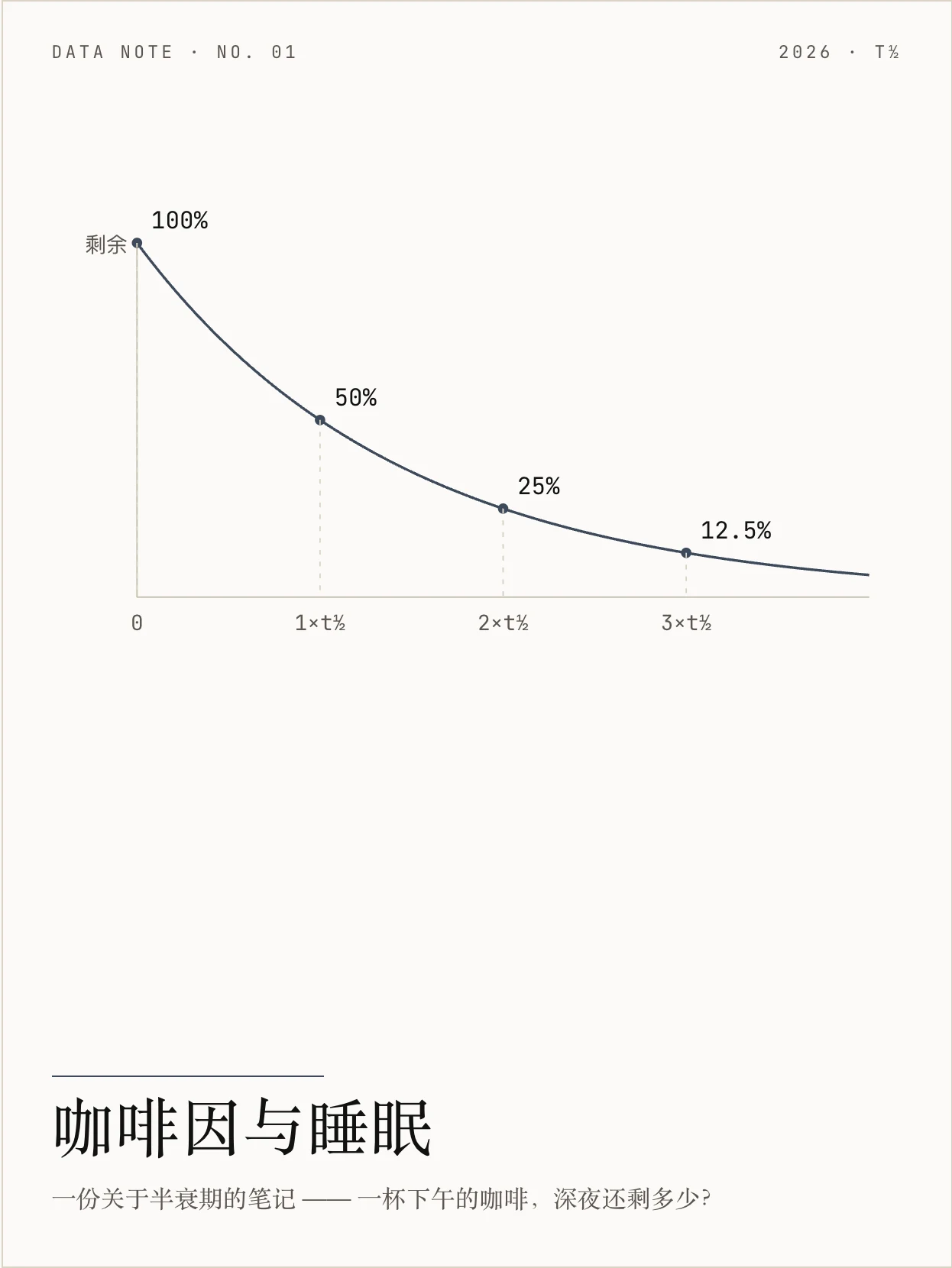
Tufte · Data-Ink 咖啡因与睡眠 · 数据笔记 Edward Tufte 数据墨水,证据优先,发丝级图表与最朴素的版式。 |
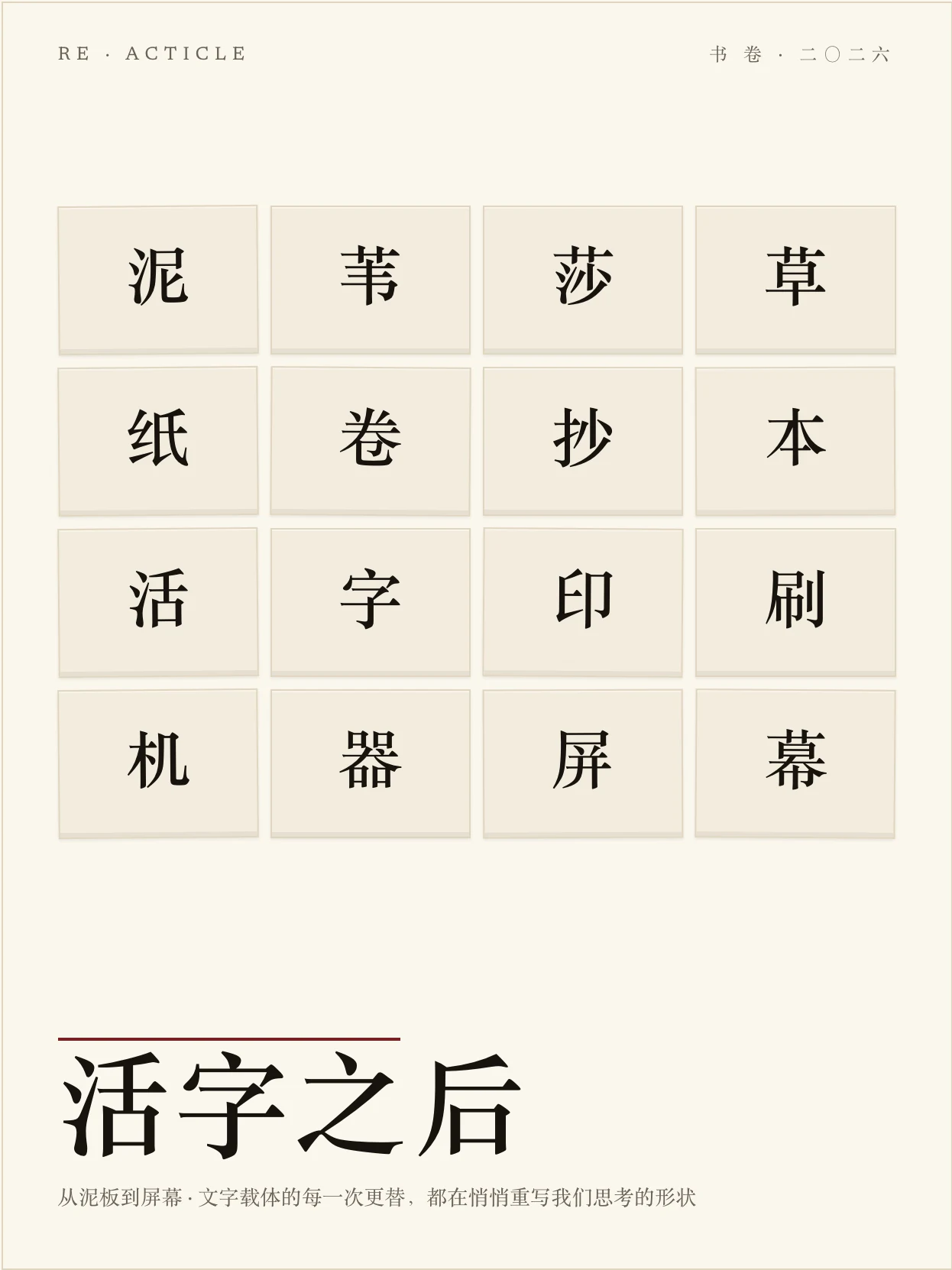
Press · 书卷 活字之后 · 随笔 Stripe Press 式书卷长读物:会落定的标题、氧化血红首字母、纯正文之美。 |
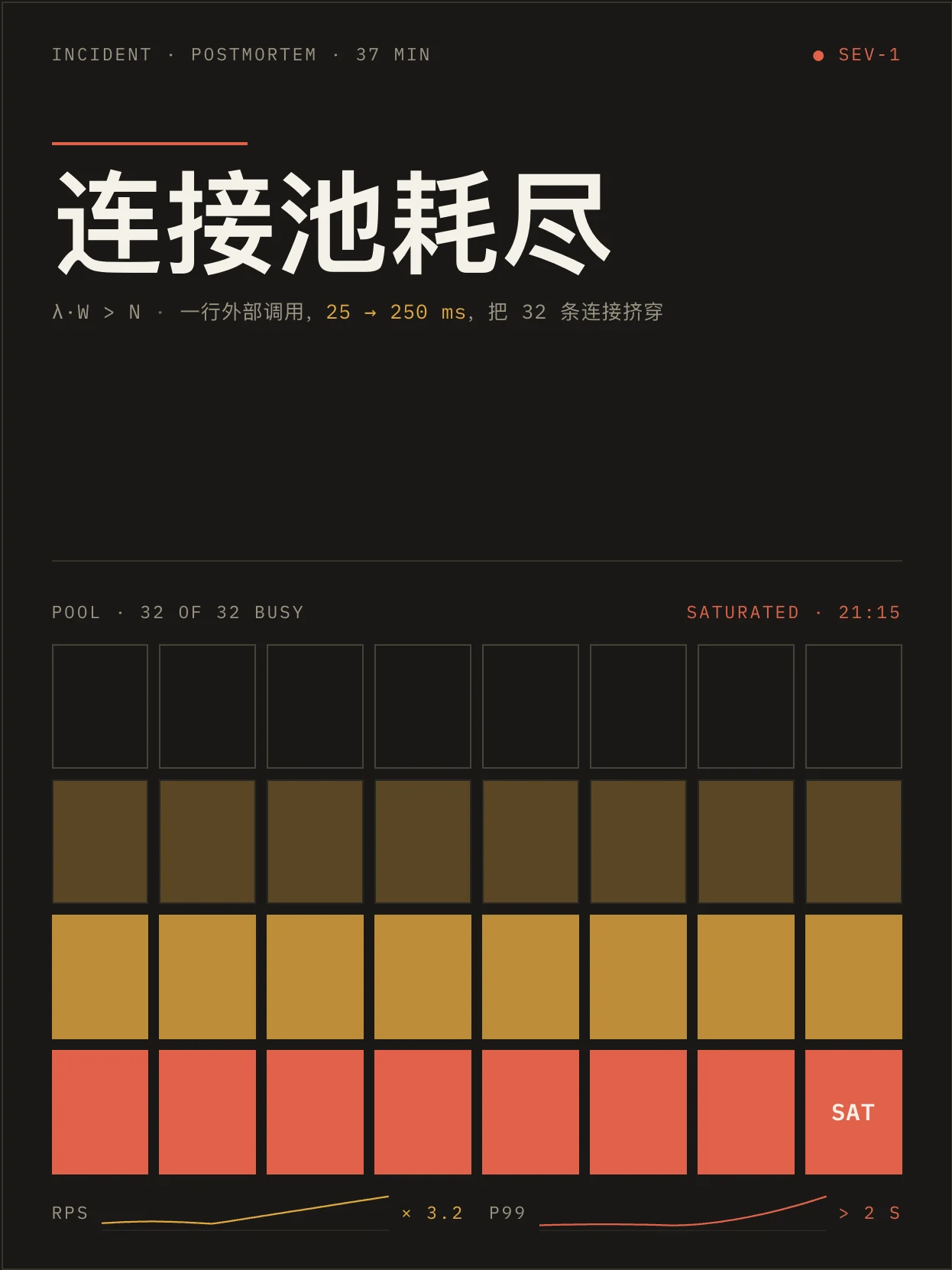
Shannon · 工程暗色 连接池耗尽 · 故障复盘 贝尔实验室技术论文血统,暗底黄金信号、回压依赖、夜间作战气质。 |
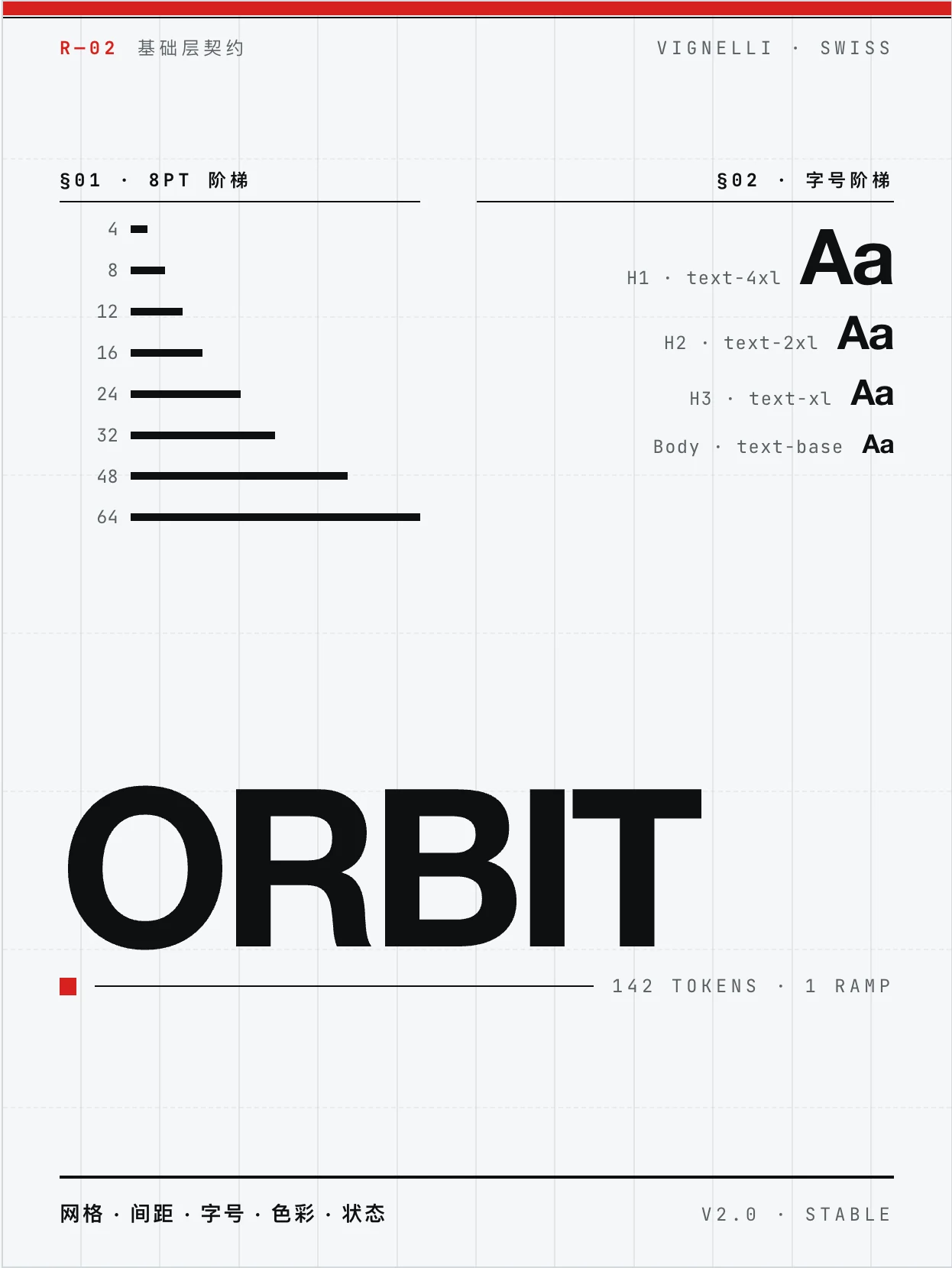
Vignelli · 瑞士网格 Orbit 设计系统规格 · 规格 Massimo Vignelli 网格至上、grotesque 字族、瑞士红只承载结构。 |
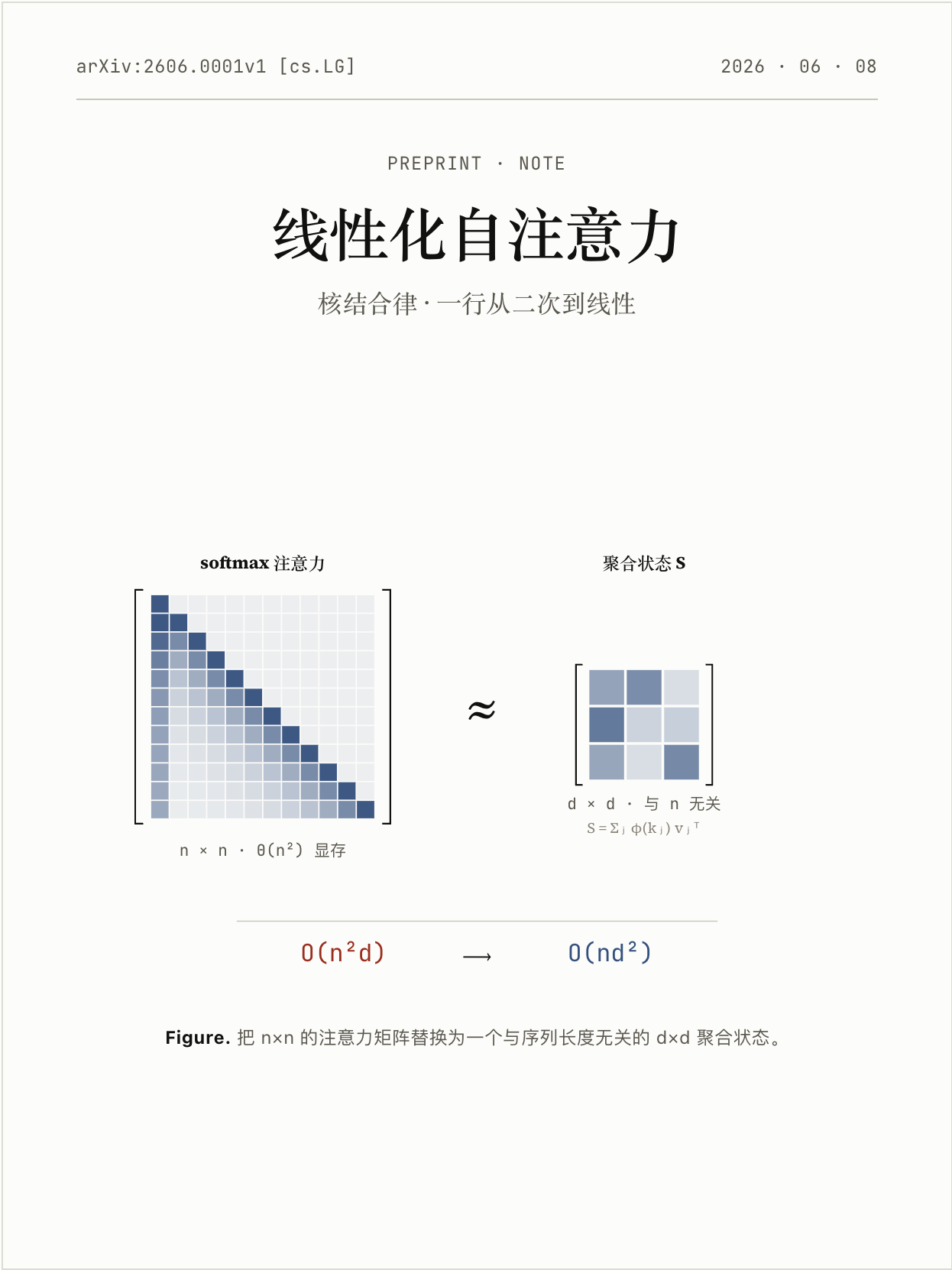
Knuth · 学术 线性化自注意力 · 预印本 Donald Knuth / Computer Modern,编号小节、命题与证明、arXiv 草稿气质。 |

Freddie · 暖黄 第一封 Newsletter · 上手指南 Mailchimp Freddie 黑字荧光,亲和插画 + 不端着的产品上手语气。 |
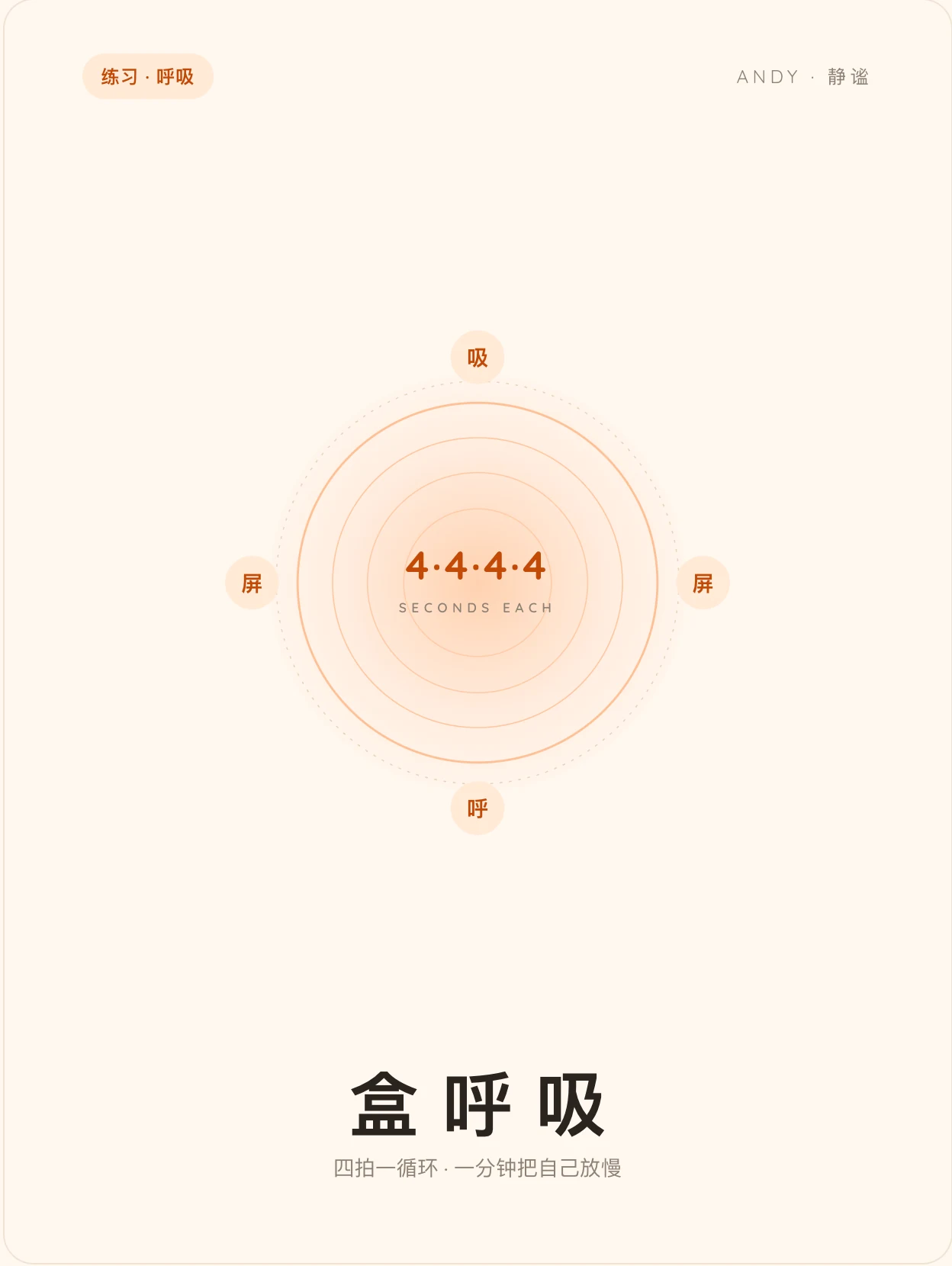
Andy · 静谧 把呼吸放慢 · 练习 柔软圆润、呼吸-神经跷跷板,让人慢下来的练习气质。 |
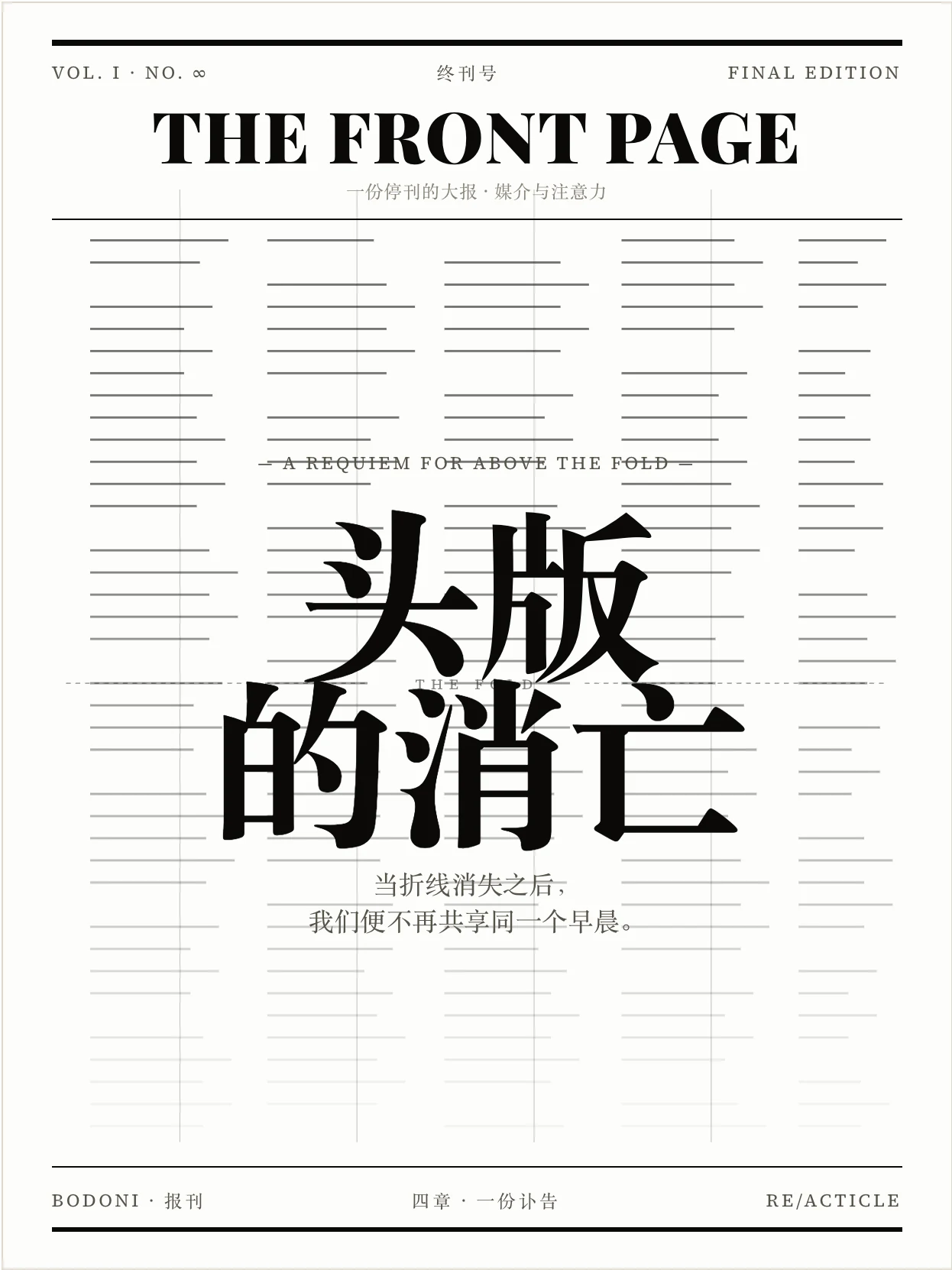
Bodoni · 报刊 头版的消亡 · 特稿 高对比 Didone 报刊气质,黑白大报、对折线之上的分量。 |
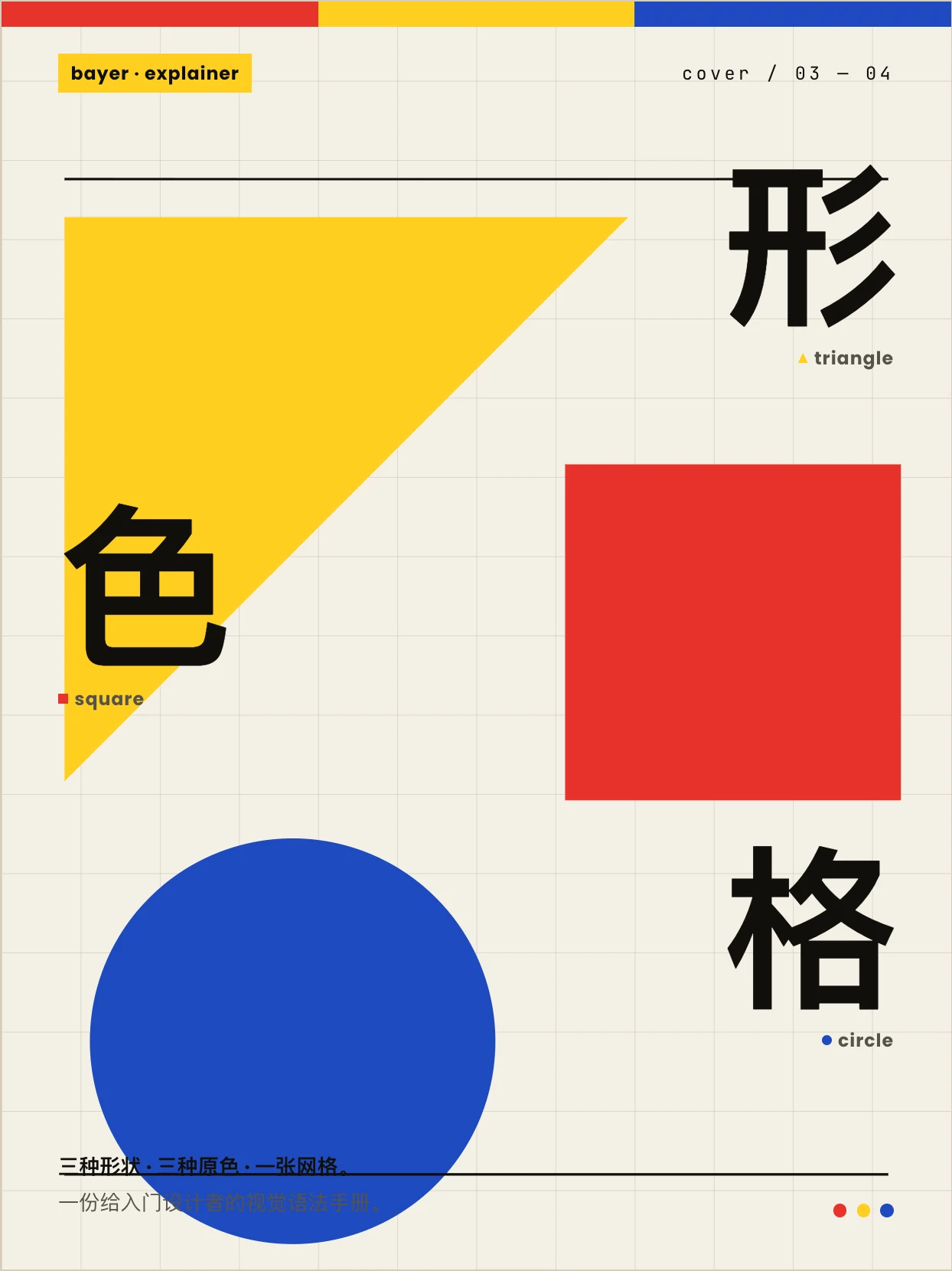
Bayer · 包豪斯 形、色、网格 · 教学 Herbert Bayer 包豪斯三原色几何,形有性格、色有重量。 |
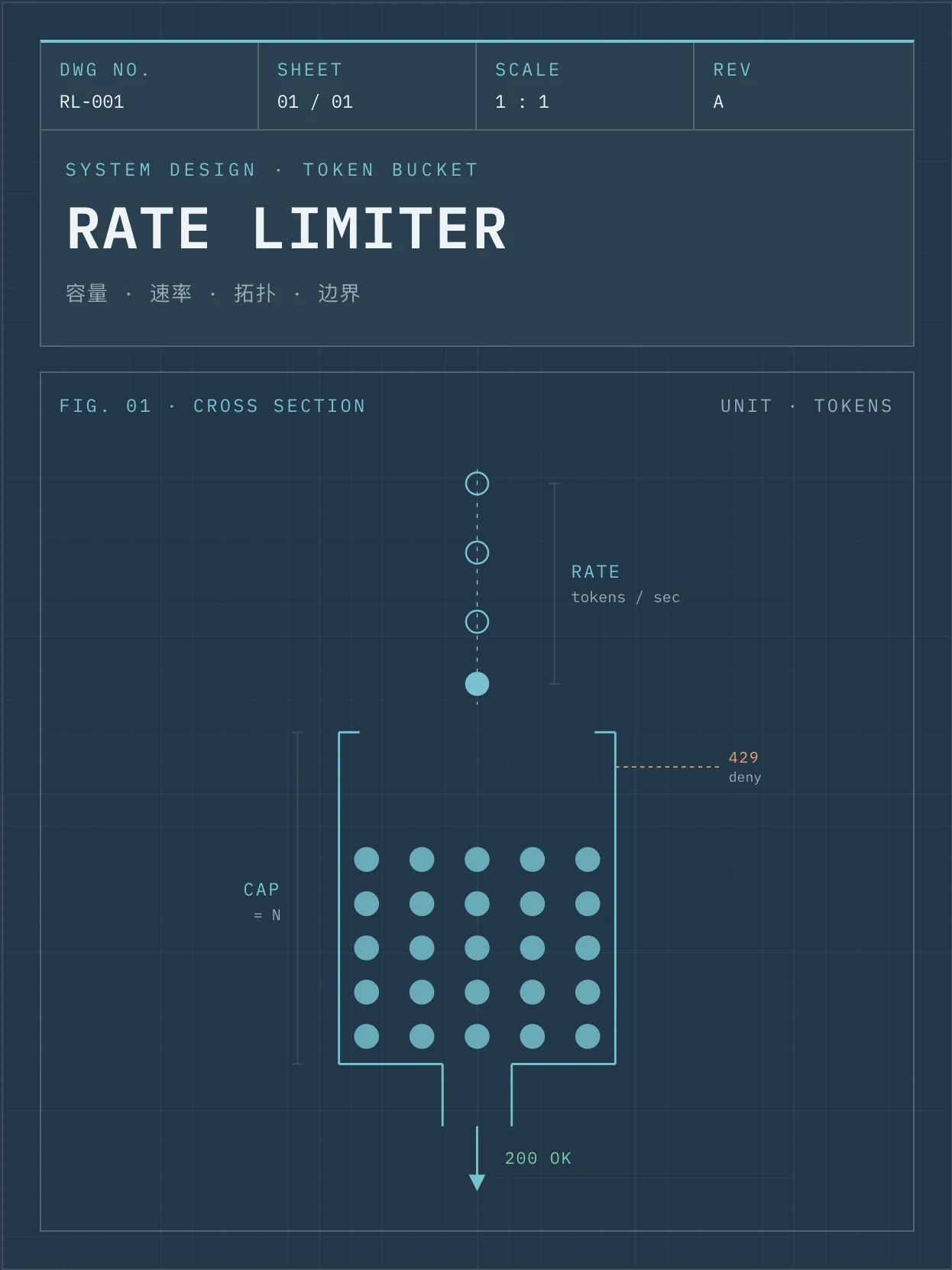
Fuller · 蓝图 限流器设计规格 · 系统设计 Buckminster Fuller 工程蓝图,方格纸拓扑、令牌桶模拟,可照着实现。 |

Sottsass · 孟菲斯 撞色不翻车 · 设计随笔 Memphis 80s 撞色,黑描边、硬投影、轻微旋转的不正经语法。 |
Browse all specimens with theme switching, search and filters at the live gallery: https://rearticle.mmh1.top/#/gallery.
What it does
beautiful-article turns dry, linear, hard-to-digest source material into a polished, visually clear, share-ready article. It is not a web-app builder — the focus is always the article: better reading, better pacing, better aesthetics. The article is delivered as a self-contained file that opens offline (with optional companion PDF), but that's a delivery detail, not the goal.
It is designed for:
- Repackaging long URLs / PDFs / DOCX / Markdown into a beautiful HTML long-form
- Producing briefings, explainers, tutorials, post-mortems, design / proposal reviews
- Visual essays, dialogue / interview transcripts, interactive learning explainers
- Any time you want a better reading medium than raw Markdown — with tables, SVG, code, formulas, copy / export buttons baked in
The skill is primarily a methodology + collaboration harness. It ships a Vite + React + TypeScript scaffold built around the reacticle component protocol — the agent does not hand-write naked HTML / CSS, it composes prose-first semantic components plus a theme-constrained Raw free layer.
Core ideas
- Article first, not app — the focus is the article. Raw layers, SVGs, mini-tools must serve reading / explanation / pacing / aesthetics, not stand on their own.
- Source → Plan → Build → Review harness — every project flows through six numbered phases with three hard checkpoints in between.
- Component protocol via
reacticle— semantic prose components (Hero, Lead, Section, Quote, Callout, Image, Formula, CodeBlock, Table, …) plus aRawescape hatch that must use theme tokens (--ra-*). - Theme-driven design — pick from a registry of authoring profiles (
tufte,press,bayer,bodoni,vignelli,sottsass,freddie,andy,fuller,knuth,shannon) — each profile is a Markdown contract for the agent, not a CSS file. - 100% information retention by default — the article type carries a recommended retention ratio (longform
~100%, briefing~50%, visual-essay~40%, …) which the user can override. - Hard collaboration checkpoints — the agent pauses for the plan, the first-spread proof, and the final delivery decision; every decision must be confirmed item-by-item, never silently bundled.
- Cover by default — a 3:4 book-style cover sits above the TOC, locked container, theme-token only, no remote images.
- Optional PDF export — the main deliverable is a self-contained HTML file; PDF is opt-in via a zero-npm
html-to-pdf.shheadless-browser script.
Workflow
Phase 0  Intake
   │
Phase 1  Source → Markdown      (URL / PDF / DOCX / MD / text → source.md)
   │
Phase 2  Editorial Planning     (one plan.md: Brief / Outline / Theme / Assets)
   │
★ Checkpoint 1  Plan            (5 independent decisions confirmed)
   │
Phase 4  First Spread           (cover + hero + first section + one signature visual)
   │
★ Checkpoint 2  First Spread    (acceptance + dev mode A/B)
   │
Phase 5  Full Article Build     (single-agent sequential or multi-agent parallel)
   │
Phase 6  Final Review           (Editorial / Visual / Technical)
   │
Phase 7  Repair                 (minimal-slice fixes only)
   │
★ Checkpoint 3  Delivery        (HTML, or HTML + PDF, or pause to revise)
   │
Phase 8  Delivery               (article.html, optional article.pdf)
The agent owns a per-project workspace directory that is its long-term memory:
<workspace>/
  source/   original.*   source.md   source.<lang>.md (if translated)   extraction-notes.md
  plan/     plan.md
  article/  Cover.tsx   Article.tsx   sections/   raw-blocks/   assets/   article.html (output)
  review/   first-spread-review.md   final-review.md
            (source-review.md only on complex sources, repair-log.md only when there are repairs)
  index.html  package.json  vite.config.ts  tsconfig*.json  (build harness)
Skill structure
skills/beautiful-article/
├── SKILL.md                            Main skill (frontmatter name: beautiful-article)
├── manifest.json                       Release manifest
├── README.md  /  README.zh-CN.md       This document
├── references/
│   ├── article-types.md                Article-type router
│   ├── article-types/                  briefing / dialogue / essay / explainer / full-report
│   │                                    interactive-explainer / longform / review / tutorial / visual-essay
│   ├── information-density.md          Retention ratios vs. component / visual mix
│   ├── plan-template.md                Single plan.md template (Brief / Outline / Theme / Assets)
│   ├── theme-selection.md              Theme picker, density / theme decoupling rules
│   ├── layout.md                       Width modes, TOC defaults
│   ├── cover.md                        3:4 book-style cover guide (5 self-checks, 5 layouts)
│   ├── asset-policy.md                 Image strategy (none / user-assets / placeholders / ai-generated)
│   ├── component-policy.md             Reacticle component contract, prose-first
│   ├── raw-policy.md                   Raw allow / deny list, token-driven, self-checks
│   ├── section-build.md                One-section-one-file rule, sub-agent prompt templates
│   ├── source-to-markdown.md           Per-format extraction rules + 5-item self-check
│   ├── scaffold.md                     Scaffold script behaviour, workspace layout
│   ├── html-output.md                  dev / build / single-file commands
│   ├── pdf-output.md                   html-to-pdf.sh usage + print CSS overrides
│   ├── review-checklist.md             Per-phase reviewer checklists & sub-agent prompts
│   ├── repair-policy.md                Minimal-slice repair table
│   └── harness.md                      Skill-as-harness perspective
├── theme-profiles/
│   ├── index.json                      Theme registry
│   └── andy / bayer / bodoni / freddie / fuller / knuth / press / shannon / sottsass / tufte / vignelli
├── scripts/
│   ├── scaffold.sh                     One-shot workspace bootstrap
│   ├── html-to-pdf.sh                  Optional HTML → PDF (headless browser, zero npm deps)
│   ├── pdf-print-overrides.css         @media print overrides injected into the HTML
│   ├── source-to-markdown-markitdown.py  Main extraction path (PDF / DOCX / HTML)
│   └── source-to-markdown.py           Lightweight fallback (Markdown / TXT / simple HTML)
└── assets/
    └── scaffold-template/              Vite + React + TS template the scaffold script copies
How it works (highlights)
1. Quality protocol per node
Different phases use different quality-checking approaches — over-using sub-agents and over-writing review files is the #1 perf trap, so the skill makes the rules explicit:
| Node | How it's checked | Artifact |
|---|---|---|
| Phase 1 Source (default) | Main agent inline 5-item checklist | none |
| Phase 1 Source (complex / low-confidence only) | Source Reviewer SubAgent (diff against original.*) |
review/source-review.md |
| Phase 2 Plan / before Checkpoint 1 | Main agent inline self-check (no SubAgent, no file) | none |
| Phase 4 First Spread / before Checkpoint 2 | First Spread Reviewer SubAgent | review/first-spread-review.md |
| Phase 5 Per Section | Section Reviewer SubAgent — returns pass/fail by message | none (no per-section files) |
| Phase 6 Final / before Checkpoint 3 | Editorial + Visual + Technical Reviewer SubAgents | review/final-review.md |
2. No silent default decisions
At every checkpoint each decision is asked independently — the agent may recommend, but never sneak through "I went ahead with X, tell me if it's wrong". Five independent decisions on Plan Checkpoint: article type (with recommended retention), theme, width, image mode, cover on/off.
3. Article type → retention bundles
The 10 article types all carry a recommended retention ratio: longform · ~100%, tutorial · ~90%, full-report · ~80%, explainer · ~80%, dialogue · ~80%, review · ~70%, essay · ~70%, briefing · ~50%, visual-essay · ~40%, interactive-explainer · ~25% excerpt + 75% AI-rebuild. Users can override with a single sentence.
4. One-section-one-file rule
Every Section is its own component file in article/sections/NN-*.tsx. Article.tsx is just the assembler — owned by the main agent, who imports & orders sections, runs typecheck / build, and resolves theme drift. This is the precondition for sub-agent parallelism in dev-mode B.
5. Theme tokens everywhere
Raw blocks must consume --ra-* theme tokens — no wild colors / fonts. Switching theme rewires every Raw block in one place. Each theme ships a Markdown authoring profile telling the agent how to write & style content under that theme.
Setting up a project
This skill does not pre-create a workspace — every project gets its own. From the SKILL's Phase 4:
# Default: cover on
bash <path-to-skill>/scripts/scaffold.sh ./my-article --theme=tufte

# Cover off
bash <path-to-skill>/scripts/scaffold.sh ./my-article --theme=press --no-cover

# List available themes
bash <path-to-skill>/scripts/scaffold.sh --list-themes
The scaffold spins up a Vite + React + TS workspace, installs the latest published reacticle from npm, and seeds source/ plan/ review/ plus article/Article.tsx, article/Cover.tsx, and article/sections/01-opening.tsx so the agent has a known starting shape.
After Phase 5 the agent runs the build to produce a single inlined HTML:
npm run build # → article/article.html (CSS + JS inlined)
Optional PDF export (only if Checkpoint 3 selects HTML + PDF):
bash <path-to-skill>/scripts/html-to-pdf.sh
Best practices
Recommended
- Pick the article type before anything else — its retention ratio anchors the whole plan.
- Trust the harness phases — don't skip Plan checkpoint just because you can guess the answer.
- Use theme tokens for every Raw block —
--ra-*only. No raw hex / font names. - One section per file — even if a section is small, isolate it. It pays off in review and repair.
- Cover should reflect theme + article gist — not just a placeholder gradient.
Avoid
- ❌ Treating the skill as "make me an HTML page" — the deliverable is an article.
- ❌ Bundling multiple checkpoint decisions into one yes/no.
- ❌ Letting Raw blocks bring their own colors / typography (theme drift).
- ❌ Writing all sections inside
Article.tsx(kills sub-agent parallelism). - ❌ Removing the colophon / cover container (they are part of the contract).
FAQ
Q1: When should I not use this skill?
When the user actually wants a web app, dashboard, form, prototype, or generic landing page — those go to web-design-engineer, not here. If in doubt, the skill stops and asks rather than silently producing the wrong artifact.
Q2: Does it always produce 100% information retention?
No — that is just the longform default. The article type sets the ratio, and the user can override at Checkpoint 1.
Q3: Can the article be in a different language than the source?
Yes. If the user specifies a target language different from the source, Phase 1 produces an idiomatic translation source/source.<lang>.md first, and Phase 2+ writes from that file.
Q4: What if my agent runtime has no SubAgent / Task tool? The skill notes this case explicitly: the main agent backfills the SubAgent's job and writes "no SubAgent environment, main-agent fallback" at the top of the resulting review file.
Q5: Why React + Vite + reacticle instead of plain HTML?
Because the agent needs a stable, prose-first component contract that survives multi-section parallel work, theme switching, and Raw escape hatches. The npm run build step always inlines everything back into a single HTML for delivery.
Tool requirements
The skill assumes the agent runtime can:
- Spawn shell commands (for
scaffold.sh,html-to-pdf.sh,npmbuilds) - Read / write files in a project workspace
- (Optionally) launch sub-agents for First Spread / Section / Final review nodes
- (Optionally) run
MarkItDown(Python) for high-fidelity PDF / DOCX / HTML extraction; otherwise the lightweight fallback script handles Markdown / TXT / simple HTML
License
MIT